Pairing Devices
Pairing links a device — an iPhone, an Android phone, a Wear OS watch, or the CLI — to your account so it can receive and acknowledge alerts.
How pairing works
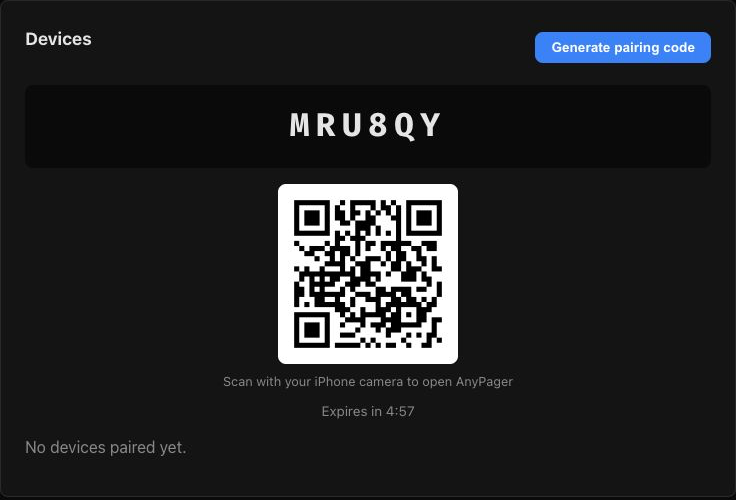
- Sign in to the dashboard and generate a pairing code — 6 characters, valid for 5 minutes, single-use.
- Enter the code on the device. The device exchanges it for its own
dk_…API key and appears in your device list. - Done. The code cannot be reused; generate a fresh one for each device.
One seat, many devices
All of a member's devices count as one seat. Pair as many phones, watches, and CLIs as you like.
iPhone
Install the AnyPager app and open it.
Enter the 6-character code from the dashboard and give the device a name.
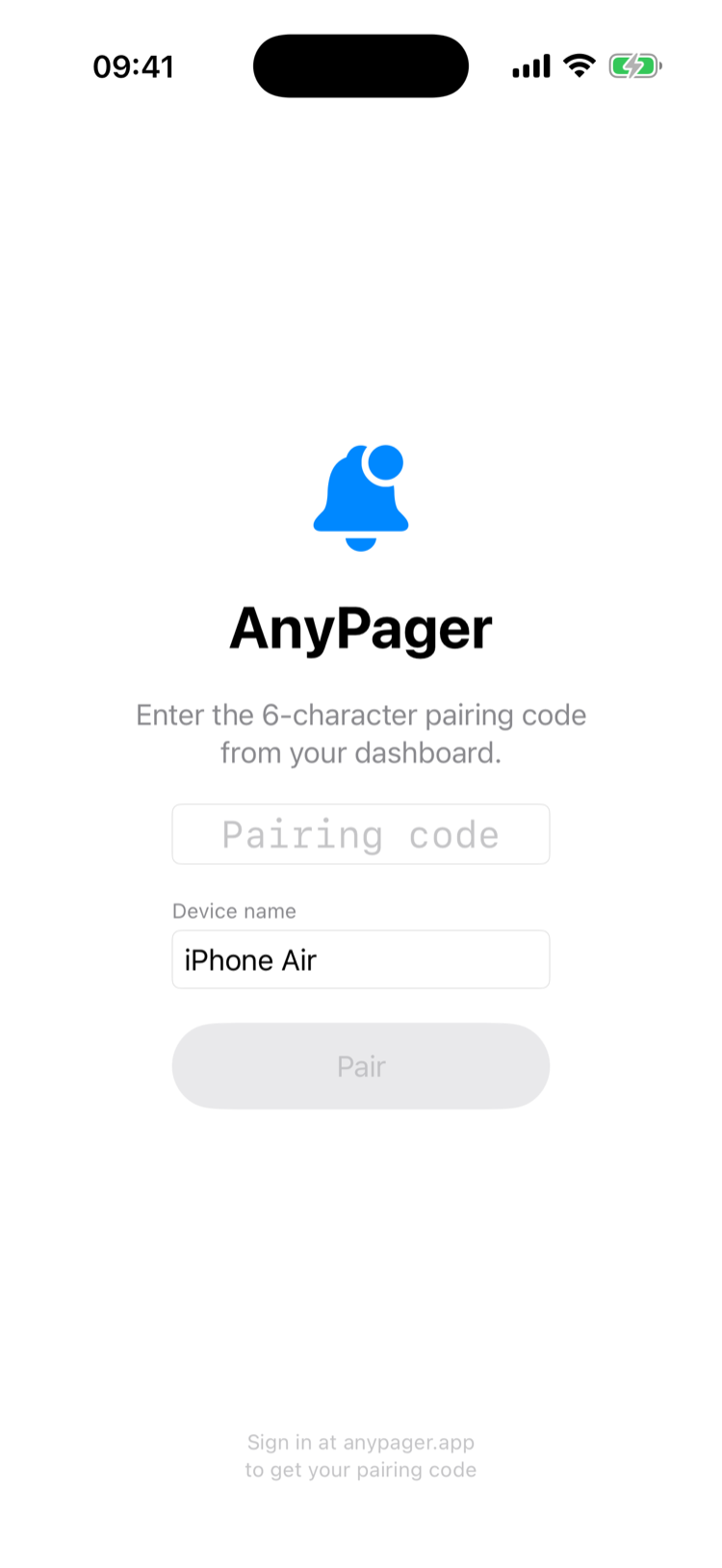
Allow notifications when prompted — including critical alerts, which is what lets pages break through silence, Do Not Disturb, and Focus.
You land on the alerts list. Empty for now:
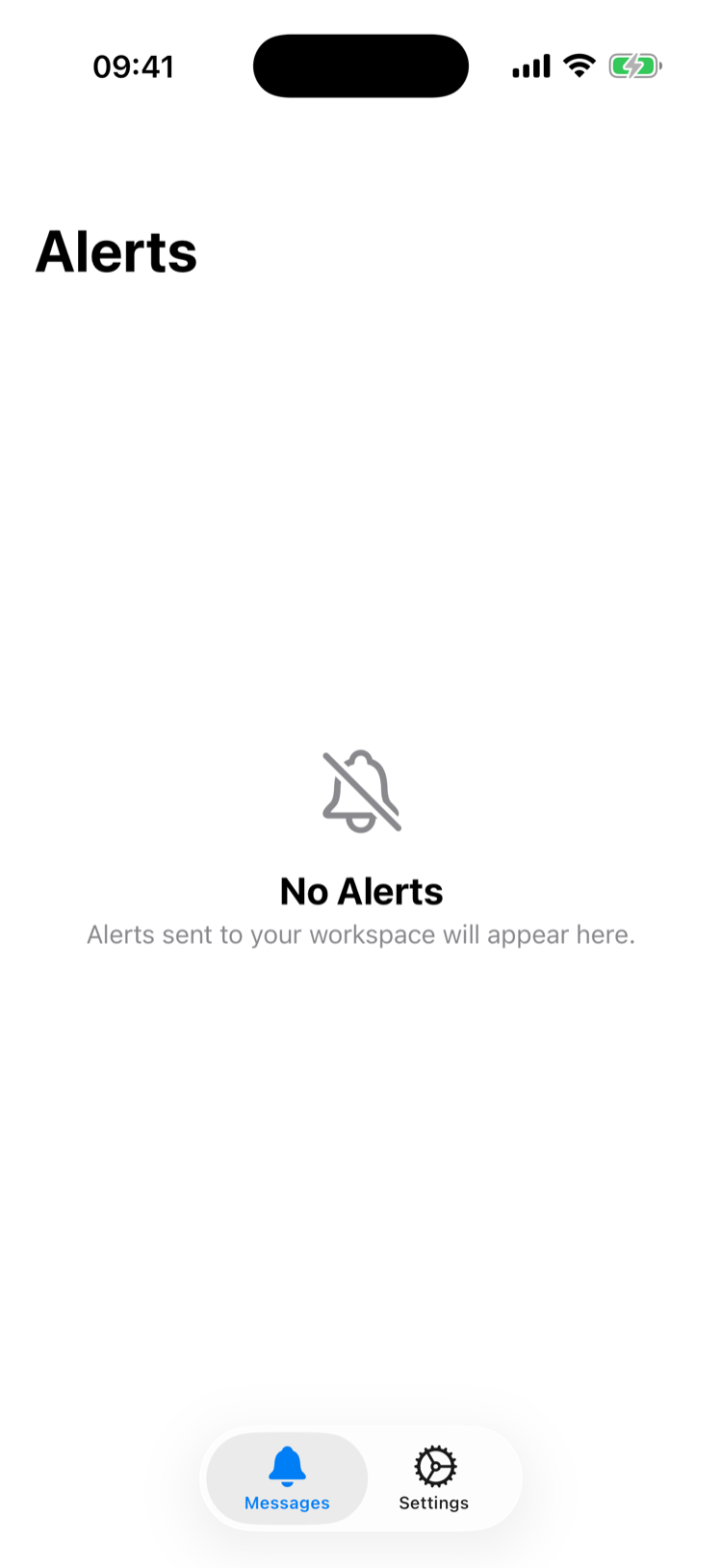
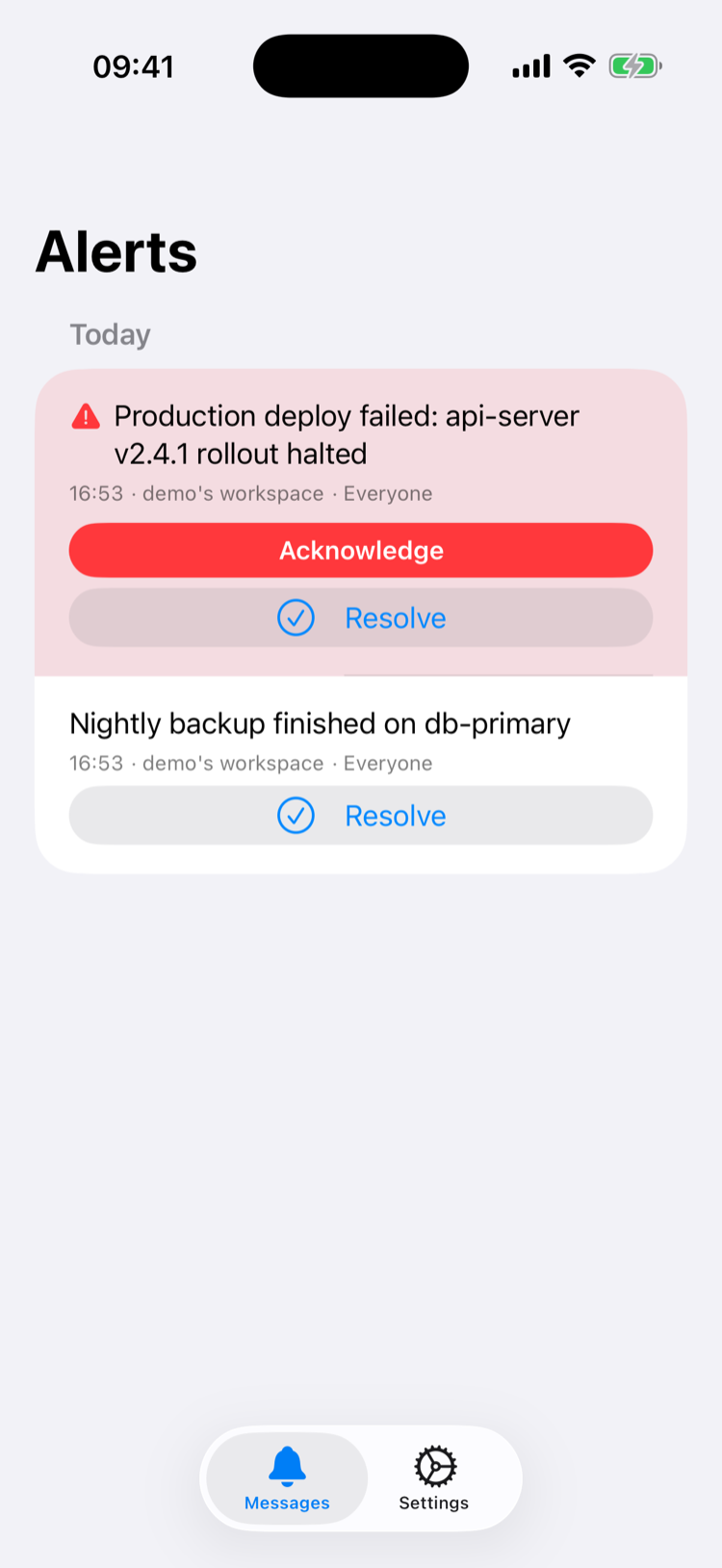
When an alert arrives, critical ones stay highlighted until acknowledged:
Apple Watch
Coming soon — a standalone watch app that pairs the same way, directly on the wrist.
Android
- Install the AnyPager app and open it.
- Enter the 6-character code from the dashboard and give the device a name, or tap Scan QR code and point the camera at the dashboard.
- Allow notifications when prompted.
- Open Settings → Critical Alert Readiness and grant the rest.
Why Android asks four times
iOS gets one entitlement and every critical page then breaks through Silent and Focus. Android has no single equivalent, so a page that must wake you needs four separate grants:
| Grant | What it buys | Without it |
|---|---|---|
| Notifications | Any notification at all | Nothing arrives |
| Full-screen alerts | The page takes over a locked screen | Heads-up banner only |
| Do Not Disturb override | Sound while DND is on | Silent under DND |
| Background delivery | Delivery while the phone is dozing | Pages can arrive late |
The Settings screen shows which are missing and links straight to each system page. AnyPager still notifies you without them — just quietly, which is the wrong failure mode for a pager, so grant all four.
Full-screen alerts are not automatic
Since 22 January 2025, Google grants USE_FULL_SCREEN_INTENT by default only to calling and alarm apps. Everything else has to ask, which is why this is a tap in Settings rather than a prompt at install.
Wear OS
The watch app is standalone: it holds its own pairing and its own push registration, so it pages you even with the phone off.
- Open AnyPager on the watch.
- Enter a fresh pairing code from the dashboard.
- Allow notifications.
Pair the watch as its own device — a Wear OS watch paired through the phone app is still a separate row in your device list, and both are covered by the same seat.
CLI
Install:
bash
curl -fsSL https://anypager.app/install.sh | shpowershell
irm https://anypager.app/install.ps1 | iexThe easiest path is login, which pairs automatically — no code needed:
bash
$ anypager login
Email: you@example.com
Check your email for the magic link...
Logged in and paired! Try: anypager 'hello world'
Or pair explicitly with a dashboard code:
bash
$ anypager pair ABC123
Paired successfully! Try: anypager 'hello world'
Credentials are stored in ~/.anypager/config.toml. See the CLI reference for every command.
Unpairing
- CLI:
anypager unpair - Dashboard: remove the device from the device list.
Troubleshooting
| Symptom | Cause / fix |
|---|---|
| "Invalid or expired code" | Codes live 5 minutes and are single-use. Generate a new one. |
| "Too many attempts, try again later" | Pairing claims are rate-limited to 10 per IP per 5 minutes. Wait and retry. |
| No push on iPhone | Check notification permission for AnyPager in Settings, including Critical Alerts. |
| No push on Android | Check Settings → Critical Alert Readiness in the app; all four rows should read Granted. |
| Android pages arrive late | Background delivery is not granted, so the phone batches them while dozing. |
| Critical page arrives silently on Android | Do Not Disturb override is not granted. |